How to Submit a Claim
Coral submits claims electronically through our clearinghouse, which connects to major carriers including Blue Cross Blue Shield, Aetna, Cigna, and United Healthcare.
Once a claim is built and validated, submitting it sends it to the payer and begins tracking its status.
Before you begin
The claim must be Ready to Submit. If it isn't, open it on the visit's Claim Workflow tab and follow How to Create a Claim to validate it first.
Step 1 — Open the claim
Open the visit, select the Claim Workflow tab, and choose the claim you want to send. A claim that's ready shows the Ready to Submit status.

Step 2 — Submit the claim
Click Submit Claim. Coral transmits the claim to the payer through the clearinghouse, and the status changes to Submitted.
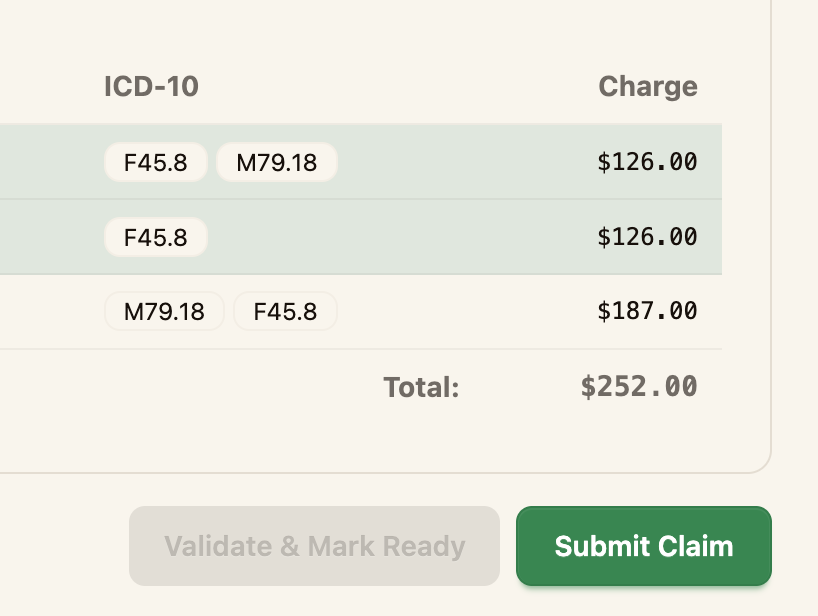
Double-check the payer, rendering provider, and procedures before submitting. Once a claim is submitted it's on its way to the clearinghouse.
Step 3 — Track the claim
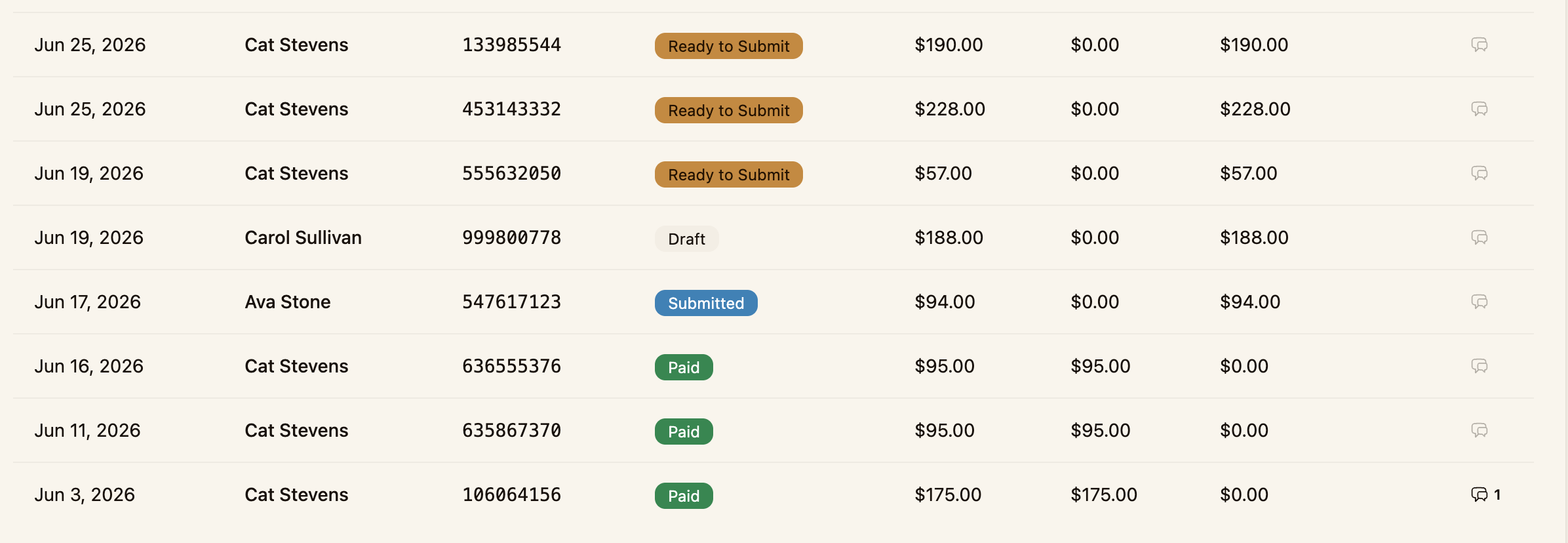
After submission, follow the claim's progress from the Claims Overview on the Dashboard or the Claims list, where it moves through Submitted and then Paid. When the payer returns an ERA (835) report, the payment details appear on the visit's Payments tab.
Next steps
- Follow a claim's status over time (Tracking Claim Status)
- Handle a rejected claim (What to Do When a Claim Is Denied)