Customizing Note Templates
Note templates control the structure of the clinical notes Coral generates. Coral ships a set of structured, ready-to-use templates (for example, Hygiene & Periodic Exam, Crown Prep, and Endodontic Therapy), and your practice can create its own. You manage them under Practice Settings → Note Templates.
A template is made up of a Purpose (what the note is for and when to use it) and an ordered list of sections (for example, Subjective, Objective, Assessment), each with guidance on what it should contain. Some sections can be marked required.
There are two ways to make your own: clone an existing Coral template and adjust it, or create one from scratch.
Option A — Clone a Coral template
Starting from a Coral template is usually the fastest way to get a good result.
Step 1 — Open a template
On the Note Templates page, find the Coral-managed template closest to what you want and click View template →.
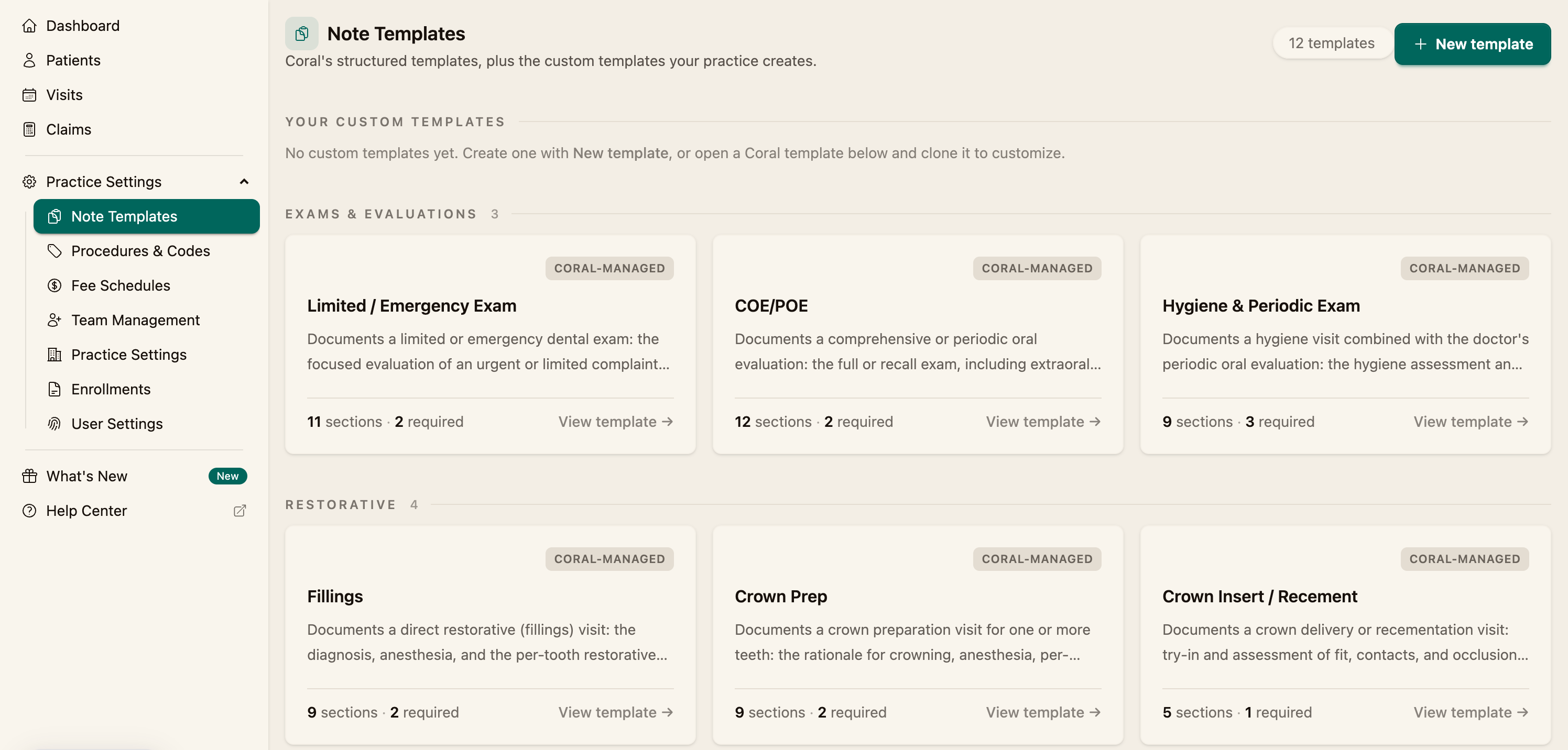
Step 2 — Clone it
Click Clone to customize. Coral creates an editable copy owned by your practice.
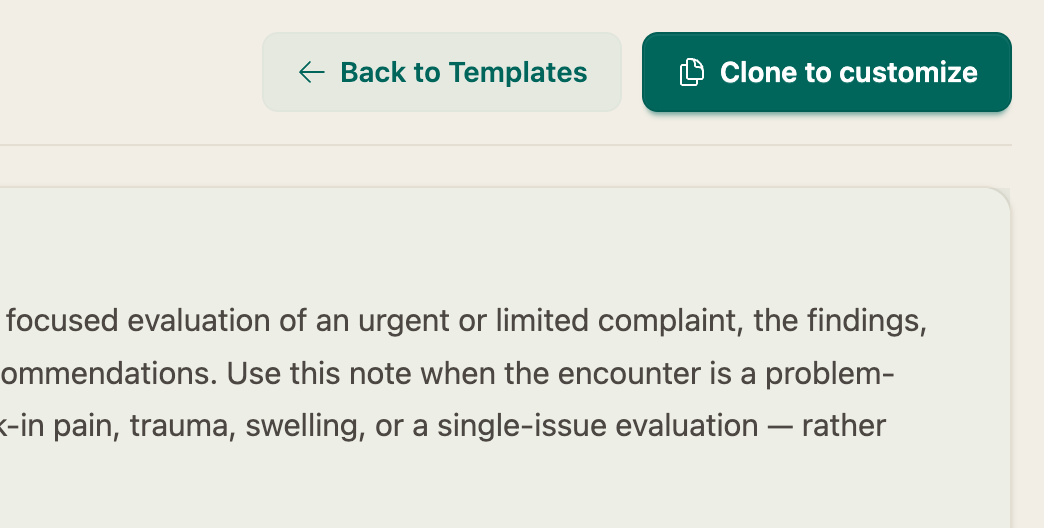
Step 3 — Edit and save
Adjust the template (see Editing a template below), then Save template. Your copy appears under Your Custom Templates and becomes available when generating notes.
Option B — Create a template from scratch
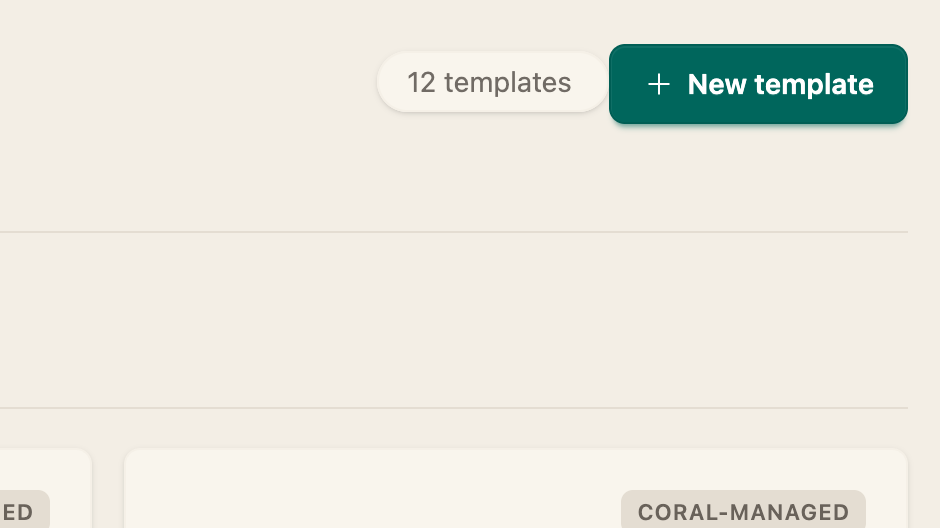
On the Note Templates page, click New template, then build it out and Save template.
Editing a template
In the template editor you can set:
- Template name
- Purpose — describe what the note documents and when it should be used
- Sections — for each section, enter what it should include, and toggle Required if it must always be present. Use Add section to add more, or remove ones you don't need.
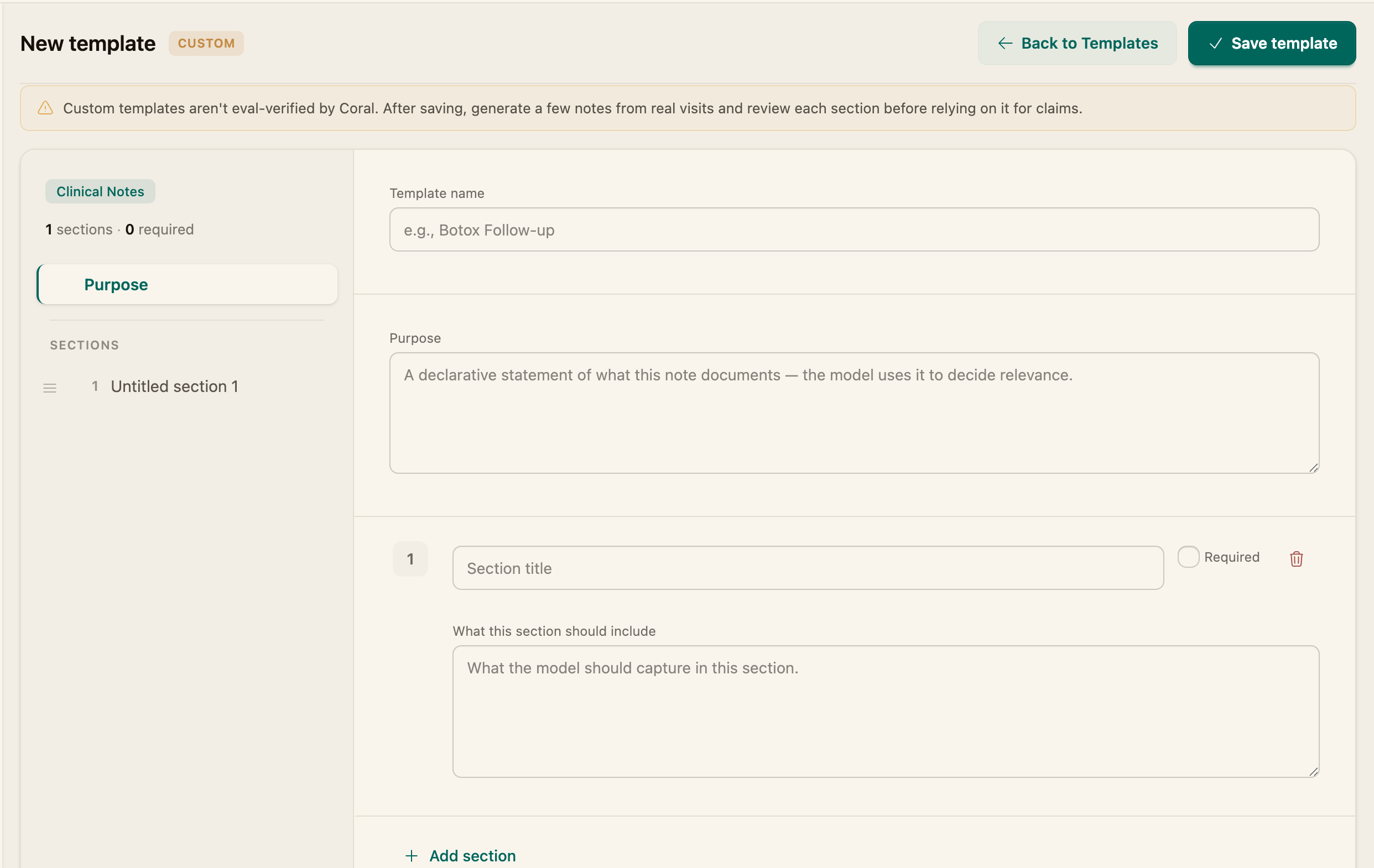
Custom templates aren't evaluation-verified by Coral. After saving one, generate a few notes from real visits and review each section before relying on it for claims.
Related
- Use a template to document a visit (How to Generate Clinical Notes)